 crtvai
Model Context Protocol (MCP) is a new standard used to connect applications with AI models. It was created by Anthropic, the company behind the Claude language model. This protocol is becoming popular because it makes it easier for developers to build applications that can work with AI in a smart and efficient way.
What Is MCP?
MCP stands for Model Context Protocol. It is a way for large language models (LLMs) to access and use data or tools from a server. This protocol helps the model understand what information is available and what actions it can perform. It allows AI to work directly with real application data and services.
Why MCP Is Important
Before MCP, developers used traditional methods like REST APIs, GraphQL, or gRPC to build systems that shared data between clients and servers. These methods still work well, but they are made for humans to build step-by-step instructions for computers.
MCP is different. It allows AI models to understand and use services by themselves. Developers can define what data (called “resources”) and actions (called “tools”) are available. The AI model can then access this information or perform tasks without writing detailed code for each step.
Main Concepts in MCP
MCP is based on two main parts:
Resources
A resource is any type of data the AI model can read. Examples include files, database queries, or user information. Resources are used to give context to the AI, like reading from a book or a file.
They are read-only and do not change any data.Tools
A tool is an action the AI can perform. Examples include updating a user profile, saving a file, or sending a message. Tools allow the model to perform tasks and usually involve writing or changing something in the system.
How MCP Works in a Real Application
Imagine an app that stores images in a storage bucket and user information in a PostgreSQL database. The app may also have a REST API to send and receive this data. Using MCP, a developer can create a server that gives the AI model access to:
Images (as resources)
Database queries (as resources)
API actions (as tools)
The model can then use this server to read information or perform tasks as needed.
How to Build an MCP Server
To build an MCP server:
Choose a programming language like TypeScript or Python.
Use the official MCP SDK to create a server.
Add resources by defining:
A name
A location (URI)
A function to fetch the data
Add tools by defining:
A name
Input types using a validation library (like Zod)
A function to perform the action
Start the server locally or on a cloud platform using HTTP, SSE, or standard IO.
Once the server is running, it can be connected to an MCP-compatible client like Claude Desktop, Cursor, or Wisor.
Client Configuration
To use the MCP server with Claude Desktop:
Go to the developer settings.
Add a configuration file that tells Claude how to run your server.
Restart Claude. It will then detect the MCP server and be able to use it.
You can then fetch resources, send prompts, and run tools directly through the AI.
Real Use Cases
MCP is already being used in many areas, such as:
Generating 3D art with AI
Automating stock or crypto trading
Managing cloud services like Kubernetes
Running complex data pipelines
Controlling infrastructure with natural language
Benefits of MCP
Makes it easier for AI to interact with real data and systems.
Reduces the amount of manual code developers need to write.
Provides a clear structure for working with tools and data.
Can help speed up development of intelligent applications.
Important Notes
Only give the AI access to what is necessary.
Always use proper validation to prevent errors or unsafe actions.
Be careful with tools that change or delete data.
Conclusion
Model Context Protocol (MCP) is a useful and powerful way to connect AI models with real applications. It allows developers to give models access to the right data and tools in a safe and organized way. As this technology grows, more applications will be able to use AI in smarter, more advanced ways.
To learn more or explore examples, you can visit open-source resources like the Awesome MCP GitHub repository.
You might also like
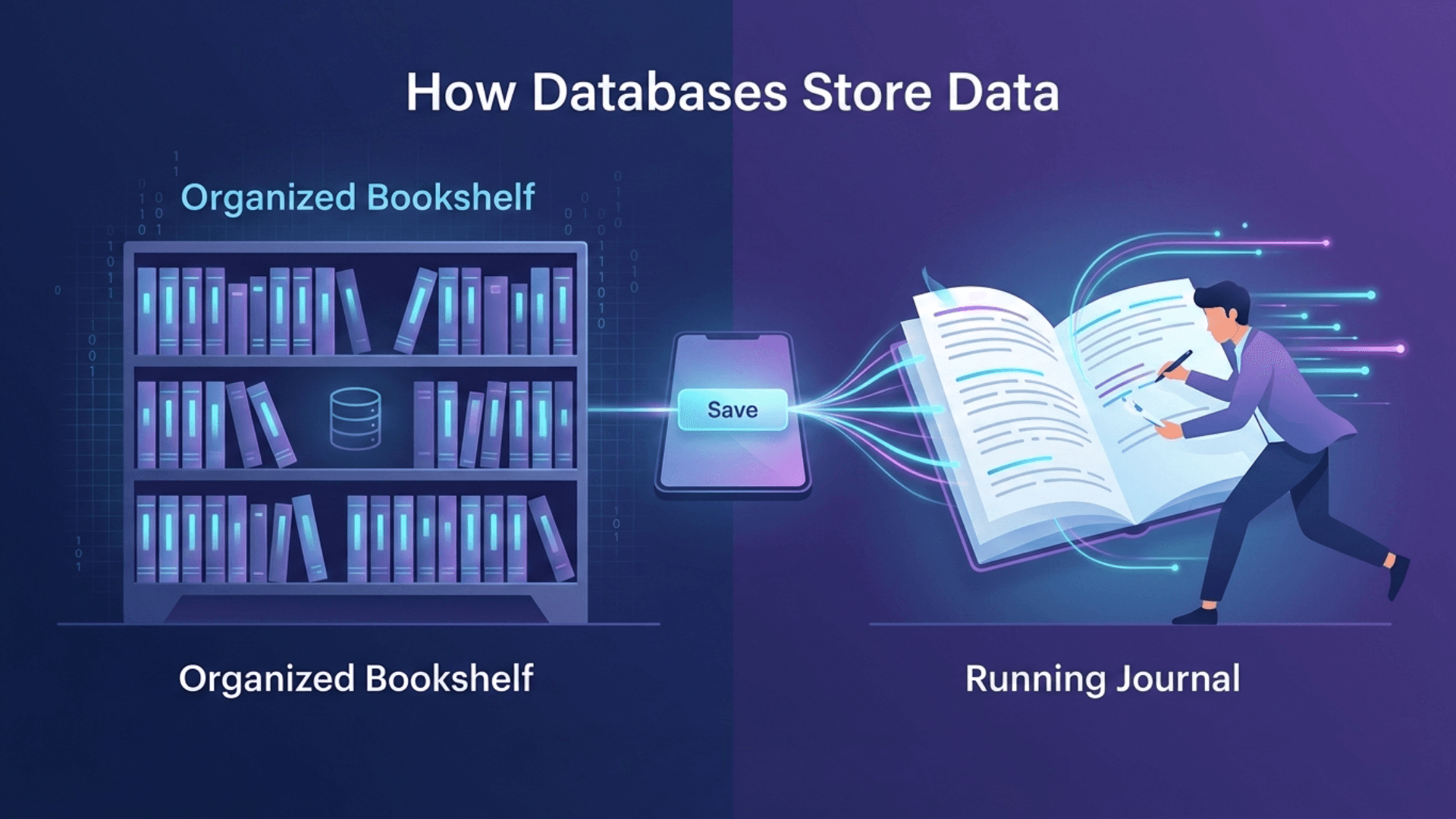
Database Storage Explained: B-Trees, LSM Trees & How Your Data Gets Saved
When you press Save, where does your data actually go? Learn how databases store information using two simple approaches — the Organized Bookshelf and the Running Journal. Easy words, real examples, no tech knowledge needed.
The Most Dangerous AI Agent on the Internet And Why 200,000 People Still Use It
An AI tool that connects to your WhatsApp, email, and files is taking over the internet. But security experts just found something alarming inside it.
What is RAG? How OpenRAG Gives AI the Right Answers
AI can't answer business questions it was never trained on. RAG fixes that. See how OpenRAG uses your own data to give accurate, real answers free and easy to set up.
Enjoy this article?
Subscribe to our newsletter to get more insights on technology, design, and the future of digital innovation.
CRTVAI
Unlock AI's full potential with expert insights from leading software innovators. Subscribe for exclusive content on ChatGPT integration, custom development solutions, and transformative technologies that deliver measurable business results.
Popular Posts
Claude Opus 4.6 vs GPT‑5.3-Codex,Two Powerful AI Models Launch on the Same Day
10 AI Companies Shaping the Future of the Middle East in 2025
Meta’s Llama AI Gains Approval for Use in US Federal Agencies